

WhatsApp applies sending limits to all WhatsApp Business API accounts to ensure a high-quality experience for users. These limits control how many new customer conversations your business can start each day.
For full and up-to-date details, please refer to the official WhatsApp documentation: WhatsApp Messaging Limits Documentation .
What are sending limits?
Sending limits define how many unique customers your business can message within a rolling 24-hour period. A unique customer means a different WhatsApp phone number that you contact first.
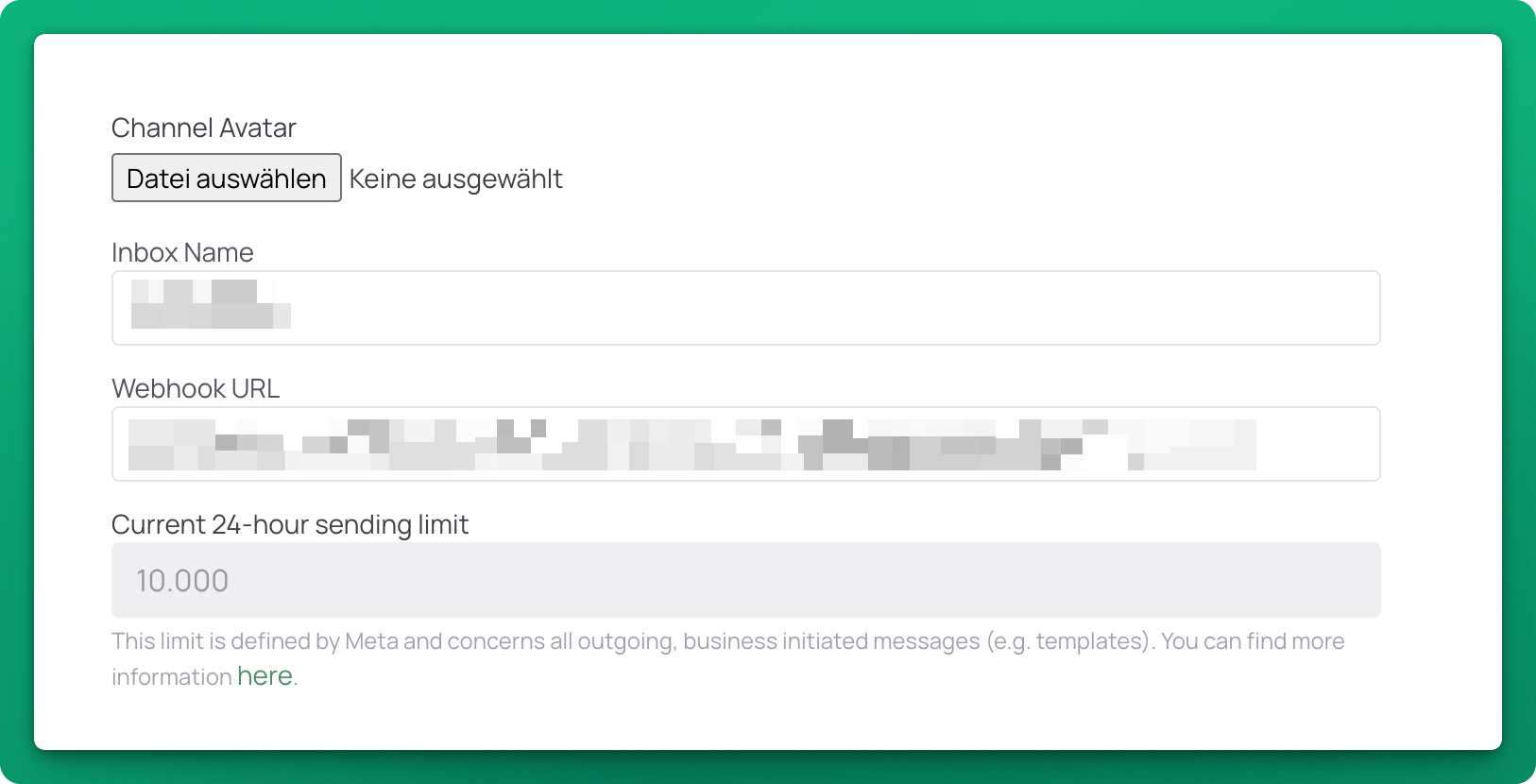
Where can I see my sending limit?
Inside chatlyn, when navigating to Settings -> Inboxes, enter the configuration of your WhatsApp Inbox.
How limits are applied
- New WhatsApp Business API accounts start with a lower daily limit.
- Your limit increases automatically as your account shows good engagement and message quality.
- Limits are organized into tiers, with each tier allowing more unique customers per day.
What does not count toward the limit
- Replies sent after a customer has already messaged you.
- Messages exchanged within an active 24-hour conversation window.
How to increase your sending limit
To get off to a good start it's vital to verify your business!
Furthermore WhatsApp automatically reviews your account activity. Sending relevant messages, maintaining good engagement, and avoiding user complaints will help your account move to higher tiers over time.
No manual action is required to request higher limits.